Right-sized support
Start with a once-off job, repair or rental. Move to ongoing support only when the business actually needs it.
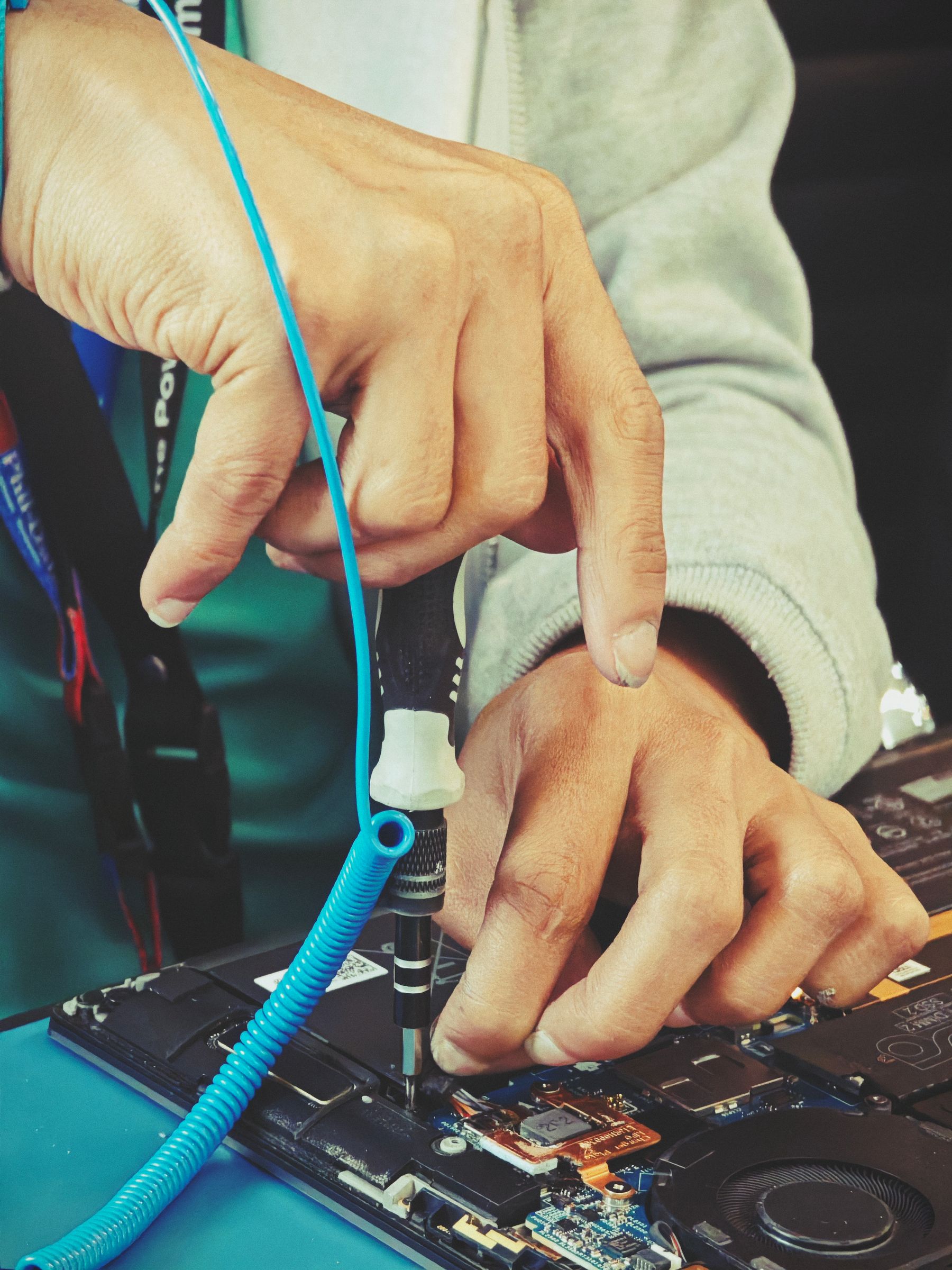
IgniteDry helps small and growing businesses keep their everyday technology reliable — from laptops, desktop PCs and Wi‑Fi to business email, Microsoft 365, printers, upgrades and flexible computer rental. Get practical support without needing an enterprise-sized IT department.
Small businesses depend on the same things every day: working computers, reliable internet, accessible email, secure accounts and equipment that does not slow the team down. IgniteDry provides a practical route to fix, improve, rent and support that technology.
Start with a once-off job, repair or rental. Move to ongoing support only when the business actually needs it.
Scope, labour, parts, travel and important exclusions are explained before approved paid work proceeds.
The aim is not simply to fix a device. It is to reduce disruption and get the people using that technology working again.
From a slow computer to a new office setup, IgniteDry helps with the practical IT issues that interrupt everyday work.
Resolve suitable software and user issues without waiting for an on-site visit.
Fault finding and repair options for business laptops and desktop computers.
Improve suitable computers before spending money on complete replacement.
Small-office connectivity planned around your workspace and users.
Keep the accounts, users and digital tools behind the business organised and working.
Connect and configure the equipment your team needs to work efficiently.
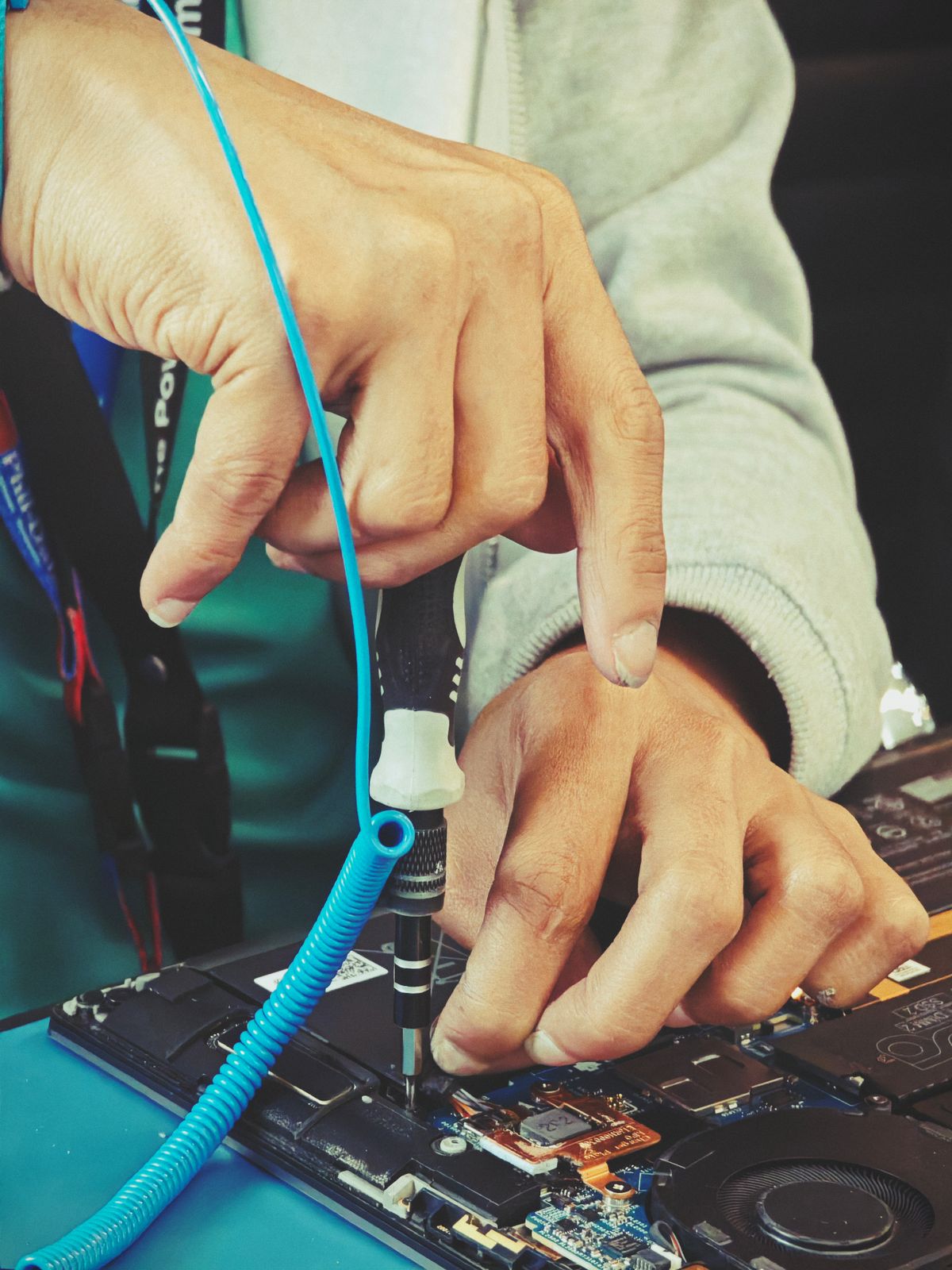
A slow or unreliable computer does not always need to be replaced. We assess the device, explain the likely cause and compare repair or upgrade options against replacement cost, age and business downtime.
Check symptoms, device condition, storage health, memory use, software and obvious hardware issues.
Receive a practical recommendation and quote before paid repair work or replacement parts begin.
Approved work is completed, the device is tested and any remaining limitations are explained at handover.
Before repair, back up important business data where possible. Data recovery, backup work and access to protected user files are performed only when specifically authorised.
Computer rental can help when you are adding staff, replacing a failed device or setting up a short-term project. Equipment availability and specifications are confirmed before quoting.
Portable devices for office, hybrid and field-based staff.
A stable office setup for reception, administration, billing and everyday business work.
Bundle core equipment for a new office, branch, consulting room or project team.
Each quote should state the equipment specification, rental term, deposit or approval requirements, delivery, setup, included support, replacement process, damage or loss responsibility, return condition and ownership.
Start with one problem or build a monthly arrangement around your users, devices and locations. Scope, response targets, included work and exclusions are agreed in writing.
Best for businesses that need occasional troubleshooting, repairs or setup work.
For small teams that want a known support contact and scheduled device care.
For businesses that need onboarding, equipment, support and office technology coordinated together.
A simple process helps both sides understand the problem, cost, responsibility and next step.
Share the device, symptoms, business impact, location and when the problem started.
We determine whether remote help, collection, workshop diagnosis or an on-site visit is the right next step.
Costs, parts, estimated turnaround, exclusions and data requirements are confirmed before approved work proceeds.
The solution is tested, the result is explained and any follow-up or warranty information is documented.
Scheduled on-site support is available for approved jobs in Limpopo, including Venda / Vhembe, and in Gauteng. Suitable software, email, access and user issues can be handled remotely nationally.
Scheduled on-site help for repairs, business setup, Wi‑Fi, printers, user devices and other approved support requests.
On-site work quoted according to distance, travel requirements, job scope and technician availability.
Scheduled support for small offices, equipment installations, computer repairs, upgrades and workplace technology.
Software, Microsoft 365, email, access, user setup and suitable troubleshooting can be handled remotely with permission.
Yes. IgniteDry can diagnose common hardware and software faults on business laptops and desktop PCs. A quote and recommendation are provided before approved repair work or replacement parts proceed.
Often, but not always. Suitable devices may benefit from SSD storage, additional memory, an operating system refresh or selected component replacement. We compare the expected benefit with the cost, age and condition of the machine.
Tell us the number of users, workload, software, location and preferred term. We then quote the equipment specification, fees, deposit or approval requirements, delivery, setup, support and return conditions before equipment is supplied.
Only when access is necessary and authorised for the agreed work. Customers should back up important data before handing over a device. Passwords and access instructions should be shared securely and changed afterward where appropriate.
Scheduled on-site support is available in Limpopo, including Venda / Vhembe, and in Gauteng. Remote assistance is available across South Africa for suitable requests.
No blanket same-day promise is made. Turnaround depends on the fault, parts availability, diagnostic findings, existing bookings and customer approval.
Tell us what is happening. We will help determine whether remote support, a repair, an upgrade, an on-site visit or replacement equipment is the practical next step.
Include the device, symptoms, affected users, location and urgency. For rentals, tell us how many computers you need, the expected workload and the preferred rental term.